Database
Configuration
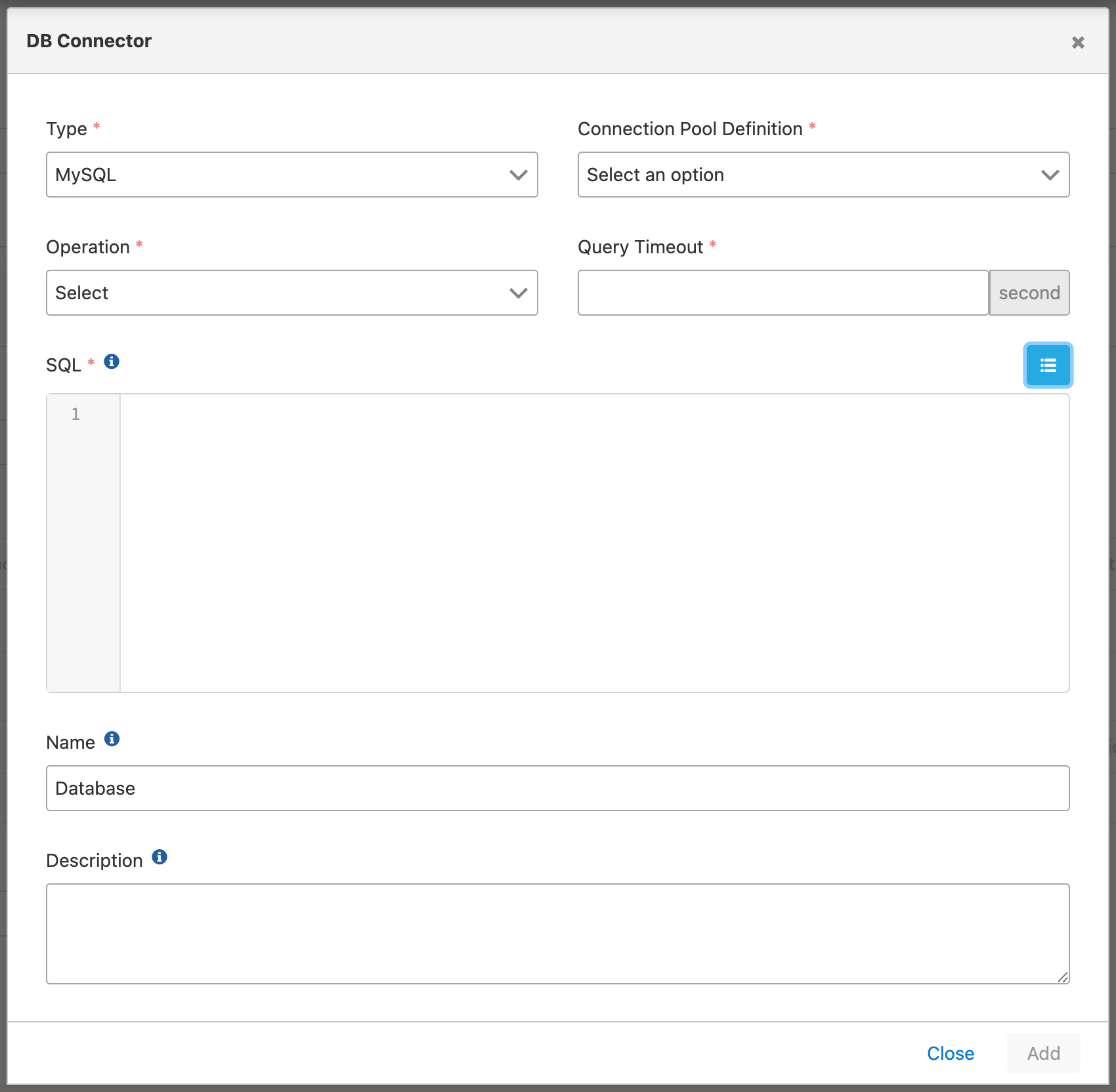
Configuration fields:
Field: Type
Database type is selected.
Field: Connection Pool Definition
The definition belonging to the database connection is selected from the pool according to the selected database type. For detailed information about creating connections, click here
Field: Operation
Operation type is selected.
Field: Query Timeout (sec)
Timeout duration information for the query execution time is entered.
Field: SQL
The query to be executed within the action is written.
Variables can be used in the SQL field.
The options offered for Operation depend on where this connector is used. As an environment, SIEM & Log Forwarding, or Portal Login Log recipient — see Adding Log Connectors — only Insert-Update-Delete is offered, regardless of database type. In a Job, Alert, or Task Flow Routing action, Select, Insert-Update-Delete, and Stored Procedure remain available depending on the selected database type.
If you use this connector to write API traffic or other Apinizer logs to a database, see Table Creation Commands for Apinizer Logs for the target table schema and DDL definitions.